Your words. Any voice.
Natural AI speech in eight languages, with studio voices, native Uzbek voices, or a clone of your own.
Free to download. Three free credits when you sign in.
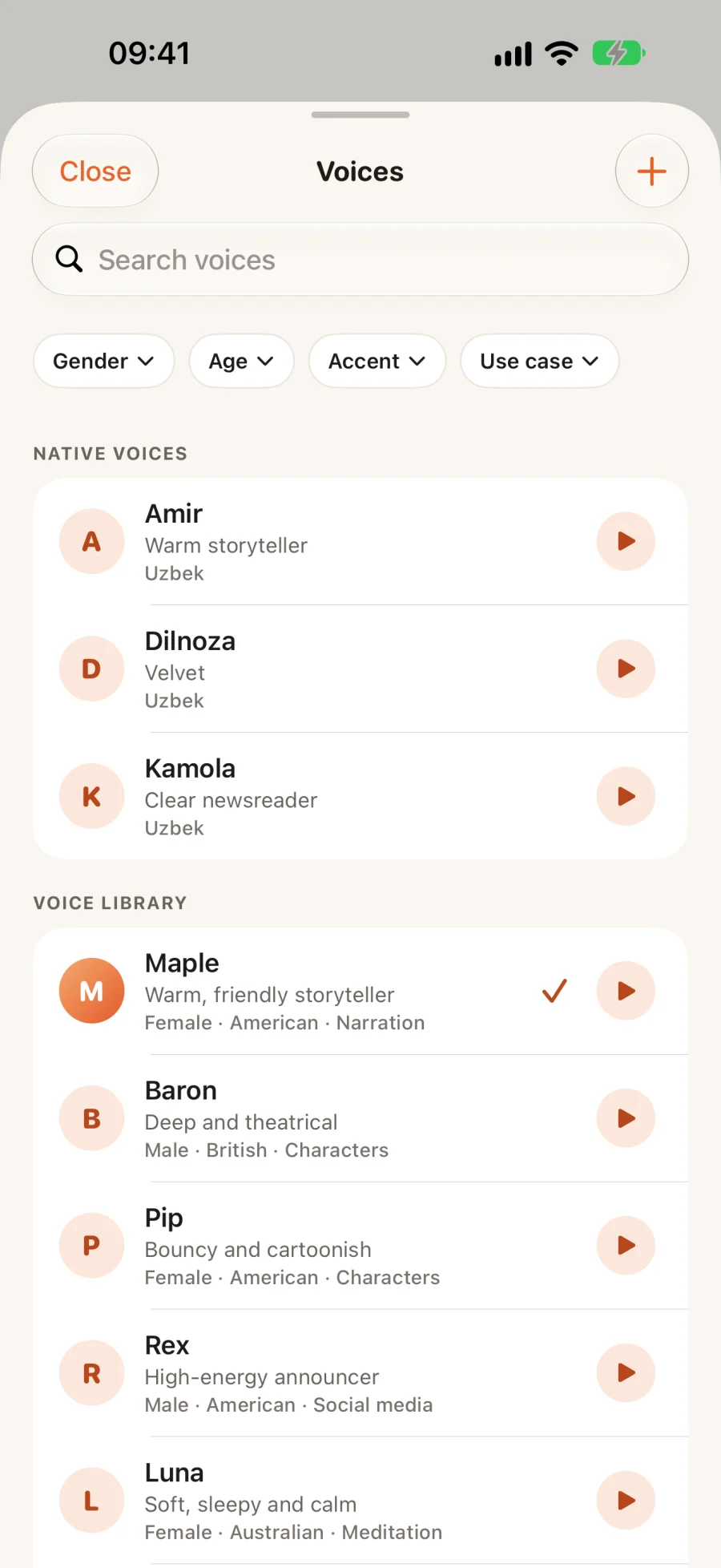
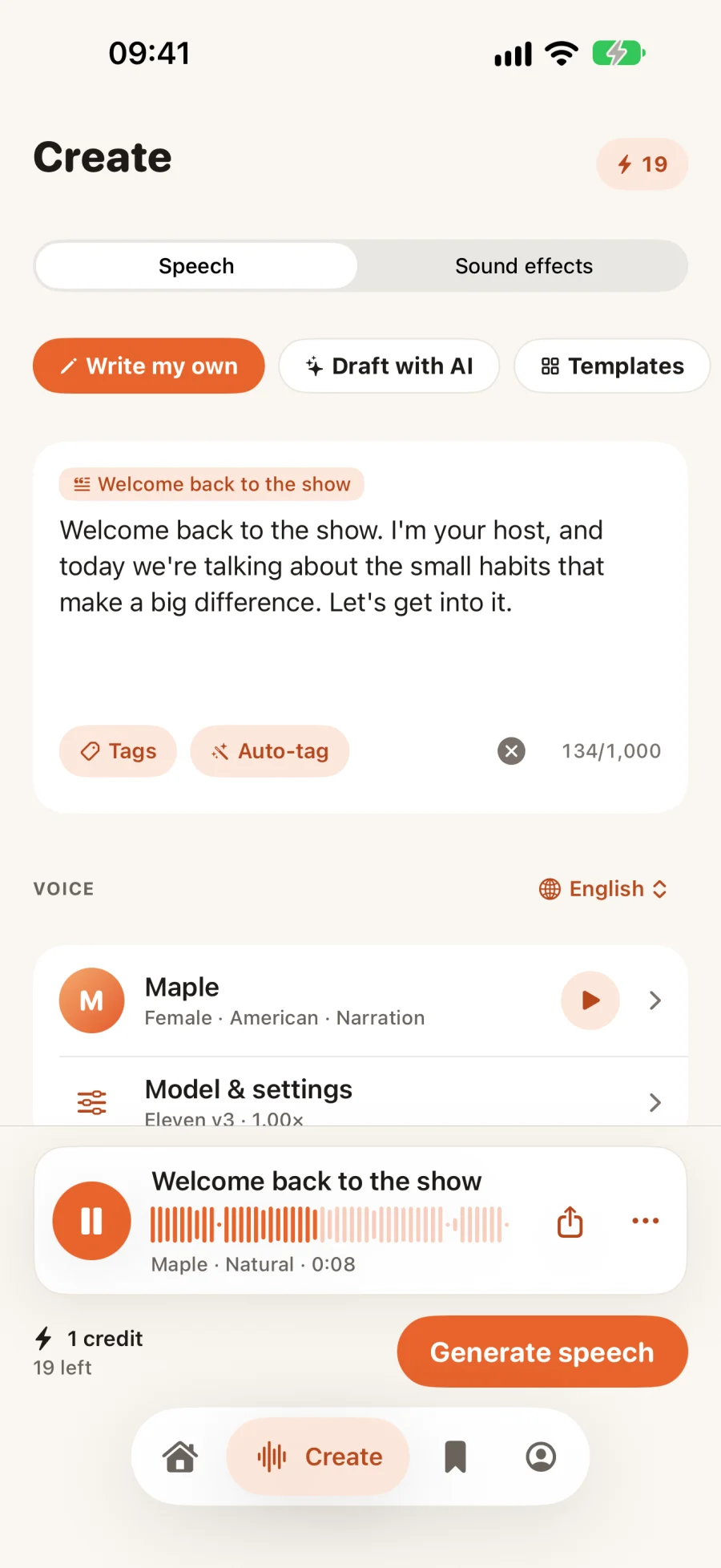
Hear it before you write a word.
Featured voices from the ElevenLabs voice library and VoiceLab, and studio voices that speak all eight languages. Tap one to hear it.
10 voices
Describe a song. Get a track.
Write the genre, mood and instruments, pick a length, tempo and vocals, and VoicePlay composes an original track. Each of these came from the sentence under its title.
Not sure what to say? Describe it.
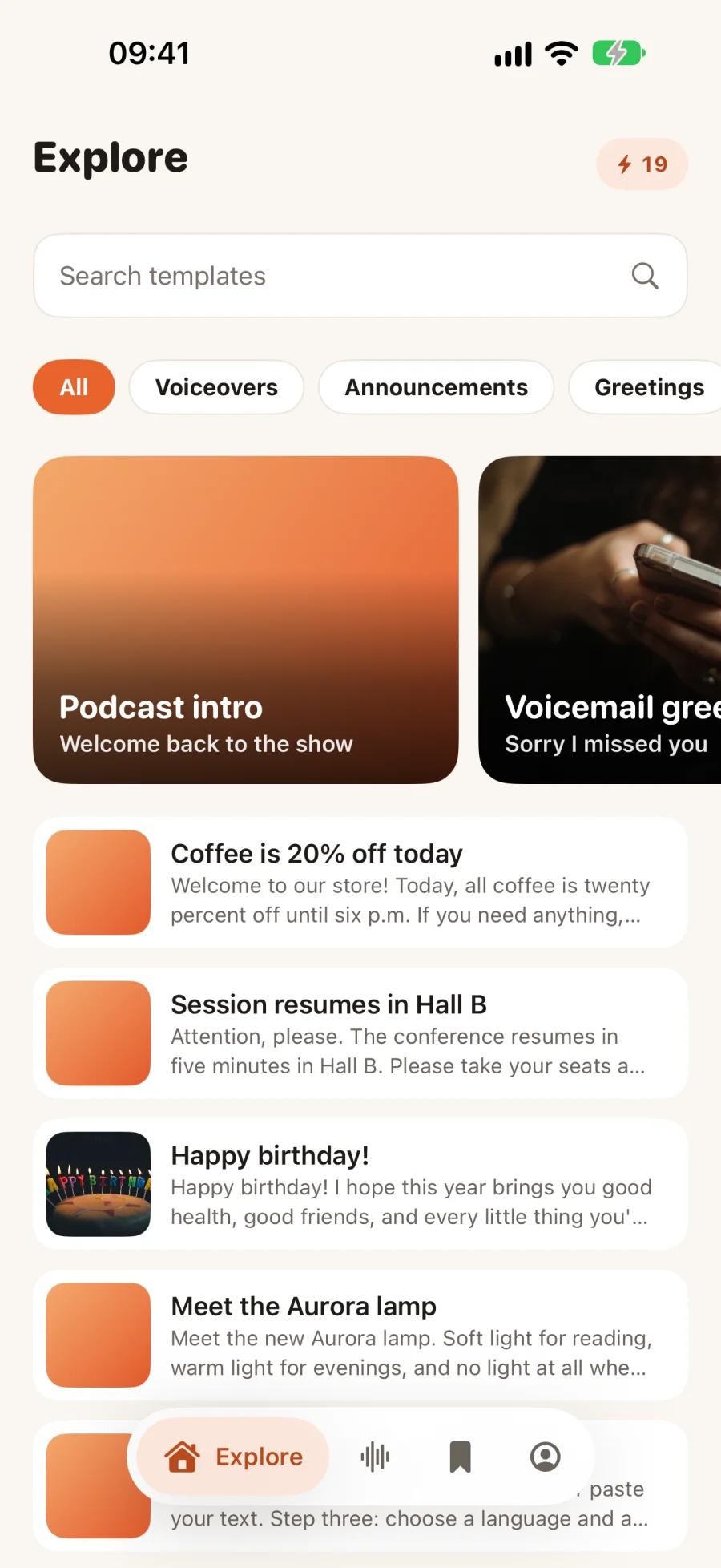
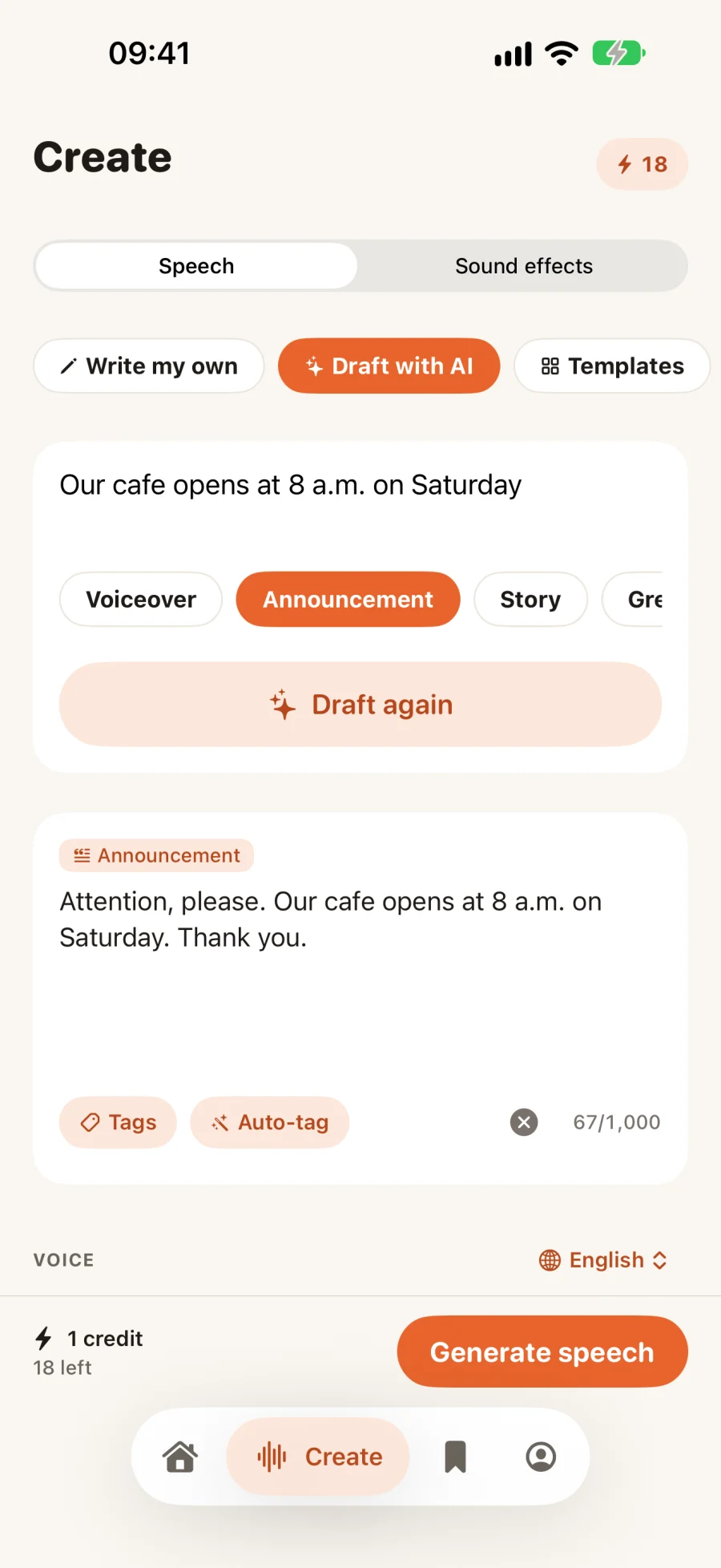
Tell VoicePlay what you need and pick the kind of script. It drafts it in the language you’ll hear it in, and you edit every word before anything is spoken.
- Voiceovers and explainersPodcast intros, how-tos, product walkthroughs
- Announcements and adsStore offers, event updates, short ad reads
- Greetings and storiesVoicemail greetings, birthday messages, bedtime stories
Made for the apps people listen in.
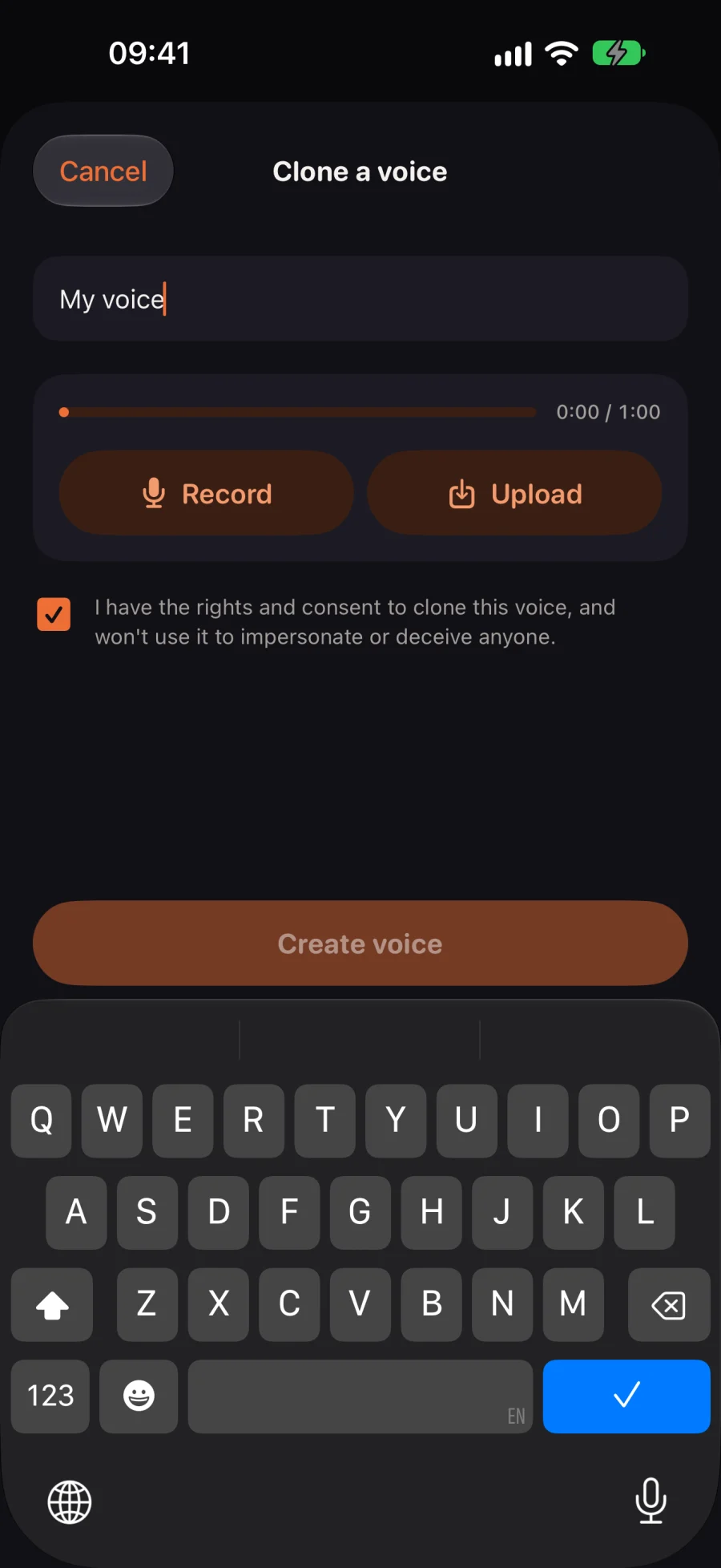
Every clip can leave VoicePlay in the format the other app expects, ready to send from the share sheet.
- TelegramVoice-message audio, Opus in OGG
- WhatsAppVoice-note audio, Opus
- InstagramA 9:16 video with the waveform, for Stories, Reels or DMs
- Everywhere elseAn M4A audio file, or a link anyone can play
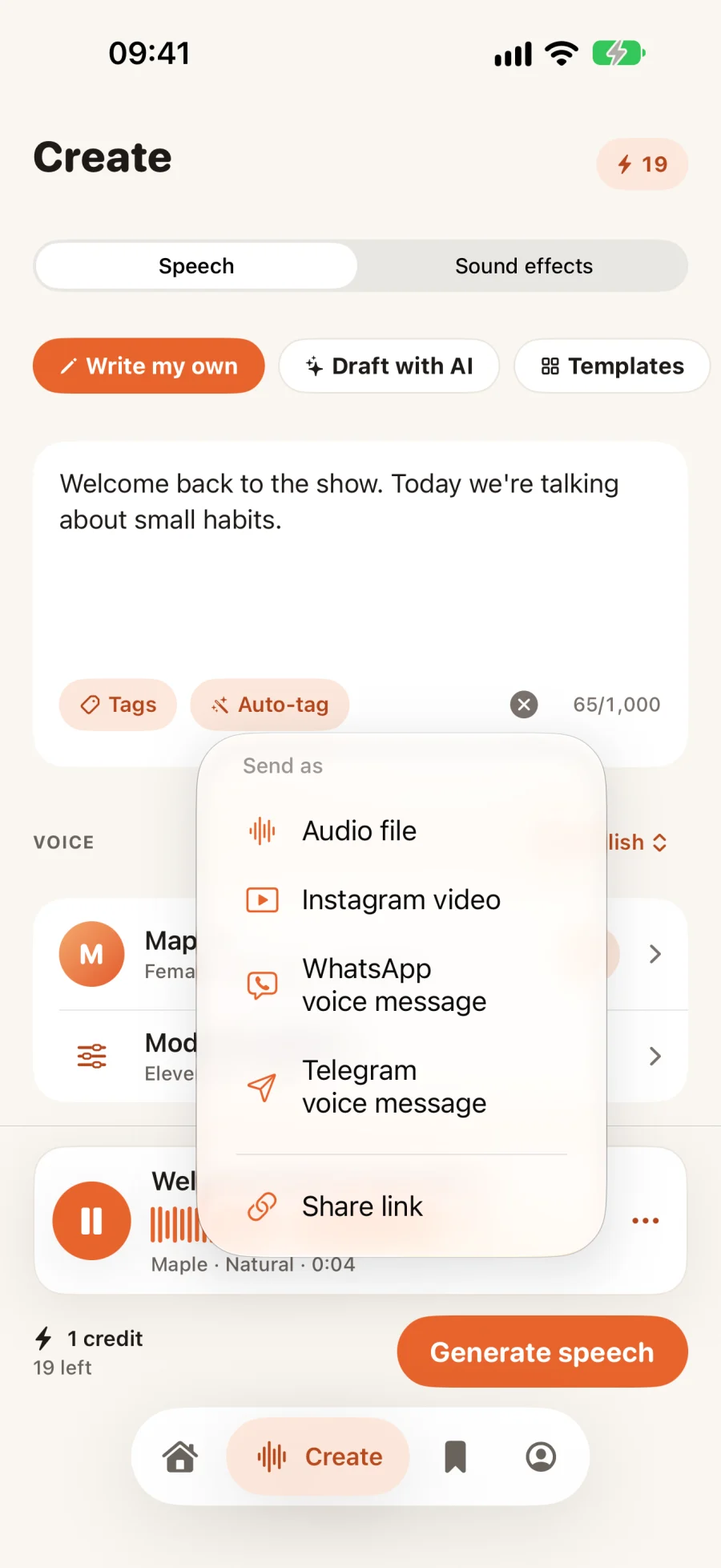
Your voice, with your consent.
Record a minute in the app or upload a voice note, then type anything for it to say, in any of the eight languages.
- Consent firstYou confirm you have the rights for every voice you clone
- Private to youNever shared with or used by anyone else
- Yours to deleteRemoved from our speech provider too, and every clip is labeled as AI
Text in. Speech out.
- Step 1
Write it, or draft it
Type or paste up to 1,000 characters, start from a template, or describe what you need and let AI draft it.
- Step 2
Choose a language and a voice
A studio voice, a native voice for your language, or a voice you cloned.
- Step 3
Generate and send
Play it back, ask for another take, then send it as a voice message, a video or a link.
Start free. Pay as you grow.
One credit covers up to 200 characters of speech. Sign in with Apple and your first three credits are free. US prices; the App Store shows yours.
Free
- Every voice and style
- Scripts up to 1,000 characters
- 1 cloned voice
Pro
- 100 credits every month
- Scripts up to 5,000 characters
- Up to 3 cloned voices
Credit packs
- Never expire
- Use them with any plan
- Restored on any iPhone

Give your text a voice.
Your first three credits are free.